

June 18 to June 24, 2026
Subscribe to any calendar link in Conmigo
Paste a calendar link and its events appear in Conmigo. Home is clearer, today stands out, and the Where map is friendlier.
Subscribe to a calendar link
Sports schedules, school calendars and anything else with a link now live next to your own plans.
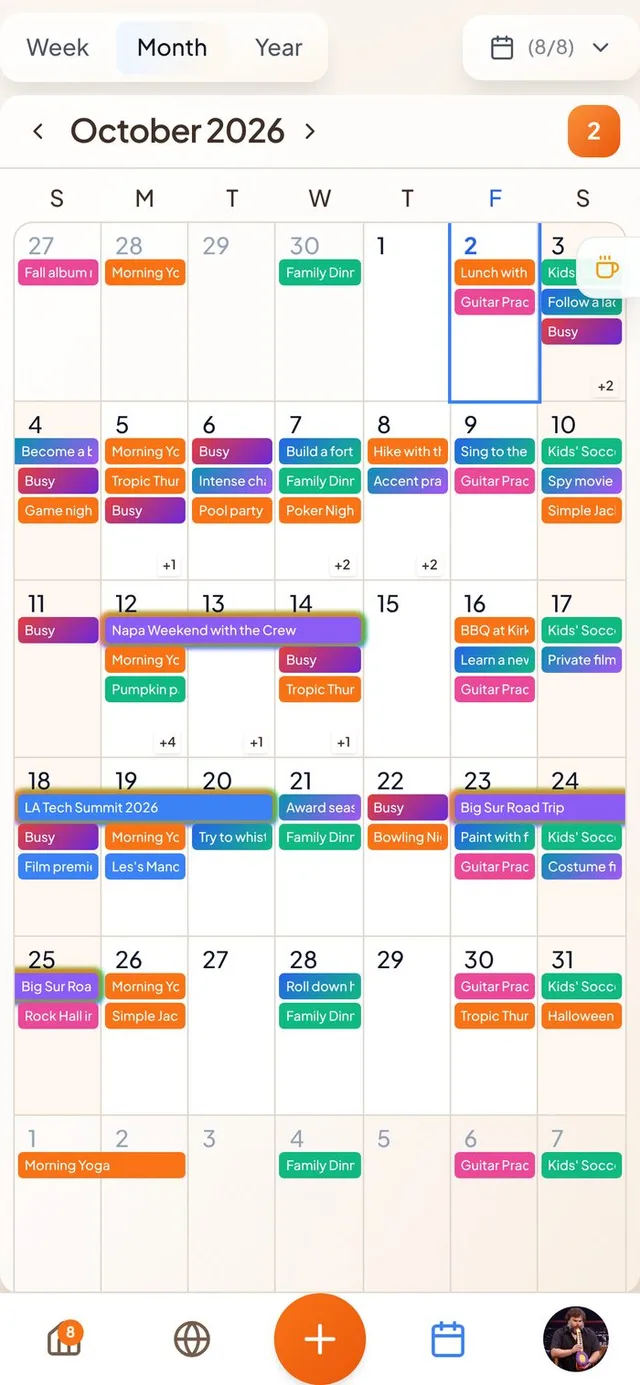
- Paste a link. Add a public calendar link (a .ics or webcal address) from Settings or while setting up. Its events appear in your calendar and update on their own.
- Read only. Subscribed events can't be edited from Conmigo. Remove the subscription and its events go with it.
- A clear warning. If a subscribed calendar stops loading, Settings now says why and when it last refreshed.
A clearer Where map
Busy places read at a glance, and your friends can say hi.
- Stacked event cards. Events in the same spot stack like a deck with the soonest on top. Cards show up sooner as you zoom in, and they are smaller.
- Friend groups. Groups of friends sit on top of the events they are at, and homes fade into the background.
- Send a vibe. Press and hold a friend's picture to send an emoji. It circles their picture for 24 hours and they get a notification.
A better Home
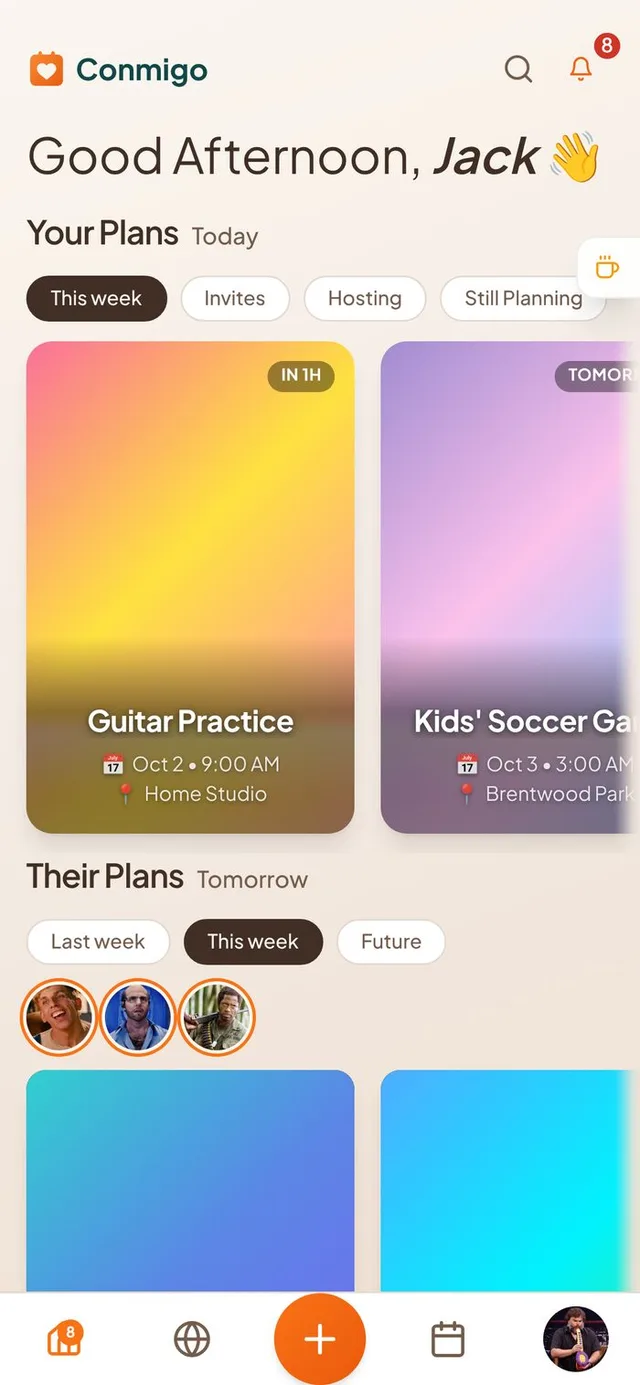
Your Plans shows what is next and drops what is old.
- Starts at what is next. The Your Plans row scrolls to your next upcoming event instead of the oldest one.
- No stale invites. Invites and Hosting show only events from today up to a year ahead. Events hosted by someone else on Google, Outlook or Apple now count as invites.
- Matching pills and cards. The filter pills are solid again and the cards line up with them. The soft fade at the edge of the rows is gentler.
- Correct times. Event cards now show the same start time as the event page, and events near midnight land on the right day.
Today stands out
Find today faster in every calendar view.
- Blue today. Today's date and weekday turn blue in the Month, Week and Year views and on the day's event list.
- Snappier calendar. Switching views, moving between months and opening events feels quicker.
Smaller improvements
A few more fixes.
- Links in event descriptions and comments are tappable. So are email addresses, phone numbers and street addresses, which open in Maps.
- Sign in with Apple is available on the sign-in screens.
- The forecast shows your real city name.
- The Show declined events switch now works in the Year view.
- Apple calendar invites show the host's real name.
- Event covers and photo cropping work on the iPhone app again.
- All-day and multi-day events stay in the same row across the Week view.