

Sept 17 to Sept 23, 2026
New accounts start with a welcome trip and open event
A new Conmigo calendar now has a first trip and an open event to explore, plus drawers you can pull closed.
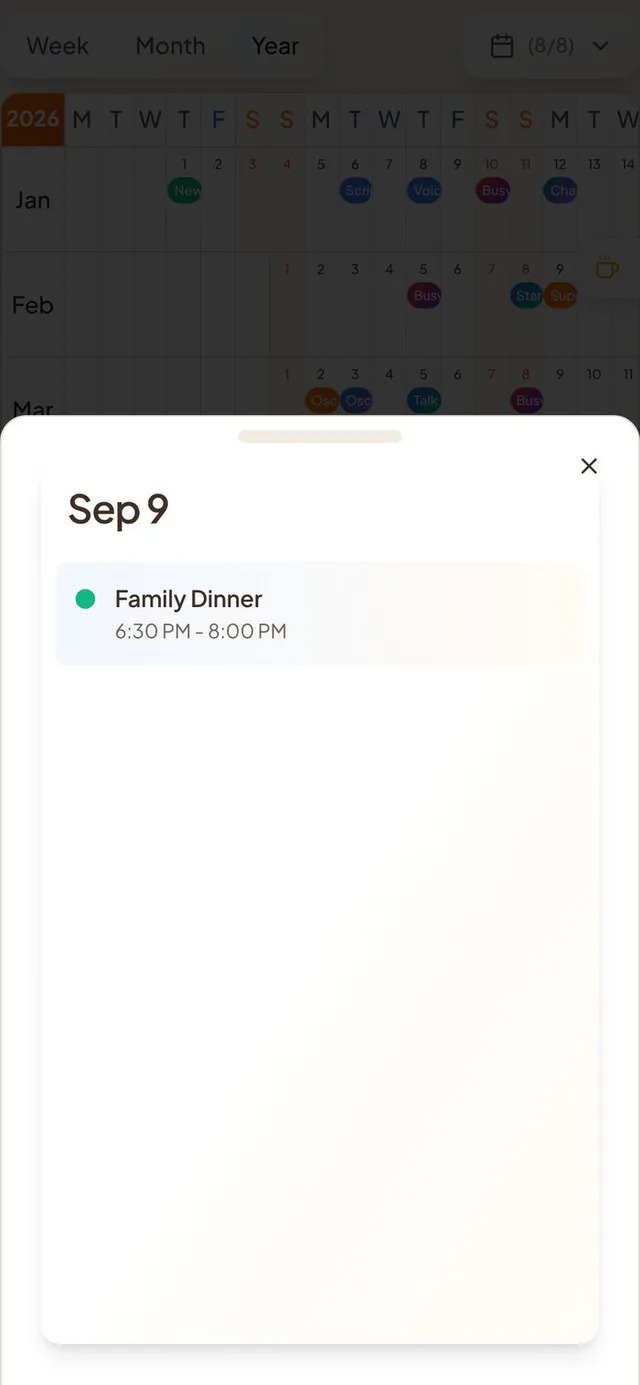
A first trip and a first open event
An empty calendar and an empty map are a lonely place to start. Now there is something to tap.
- A welcome trip. Right after sign-up, your calendar has a trip from Juan, with an afternoon out, dinner and Sunday brunch near your home town. If you didn't give a town, it's a week in Italy instead. It starts on the first Saturday still ahead.
- An open event on your map. Every new account gets an open event, so you can see what one is and how to make your own. About half a minute after you finish setting up, you get a notification about it.
- Juan is your first friend. He shows up in your people, on the map and as a guest on the trip. One switch in Settings, under Help & Docs, hides him everywhere. You can turn him back on at any time.
- Pages that stop being empty. The Who page keeps its “add your people” card until you have added someone. The Where page shows one card that asks you to invite friends or share your location.
Open events and trips on the map
Friends can now see what you open to them, and look inside it.
- Your open events reach your friends' maps. Some open events never showed up on friends' maps. They do now.
- Trips show as one pin. An open trip and its stops show as a single pin with the itinerary glow, and a friend who opens your trip can see its stops.
- Write your own message. When you turn on Notify connections, the title field is the message your connections get, so you see it before you send it. Save stays grey until the event has a place.
Pull-down drawers and a calmer keyboard
Pull down to close, and the page stays put while you type.
- Pull to close. The Today view and a place's details are now real drawers with a grabber bar. Swipe down anywhere on them to close, not only from the handle.
- A calmer keyboard. The page no longer jumps or shows a wrong-coloured band. The field you type in lifts above the keyboard, and the keyboard matches your app's light or dark theme.
Photos in events
Sharing a photo feels quicker.
- Your photo shows right away. When you pick a photo for the feed, you see it at once. Return waits until the upload is done, so a caption never goes out without its photo.
- Smaller photos, faster feeds. Photos are shrunk on your phone before they send, and feeds load lighter copies.
- Memory photos. They appear on your calendar sooner and are visible to the event's guests. A calendar share shows them only at full visibility.
Smaller improvements
A few more fixes.
- Settings has a new Calendars & Events page, and Appearance holds your theme and background.
- A new account no longer gets a desert background, and the background loses its grain.
- You can now enter a birthday that was empty before.
- An all-day event says “All day”.
- A friend's new profile photo reaches events you already have.
- Tapping Sync Now too soon says “Synced just now”.