

July 16 to July 22, 2026
Block and report people you don't want to see
Choose who you see on Conmigo, report problems in private, and sign in on a cleaner first screen.
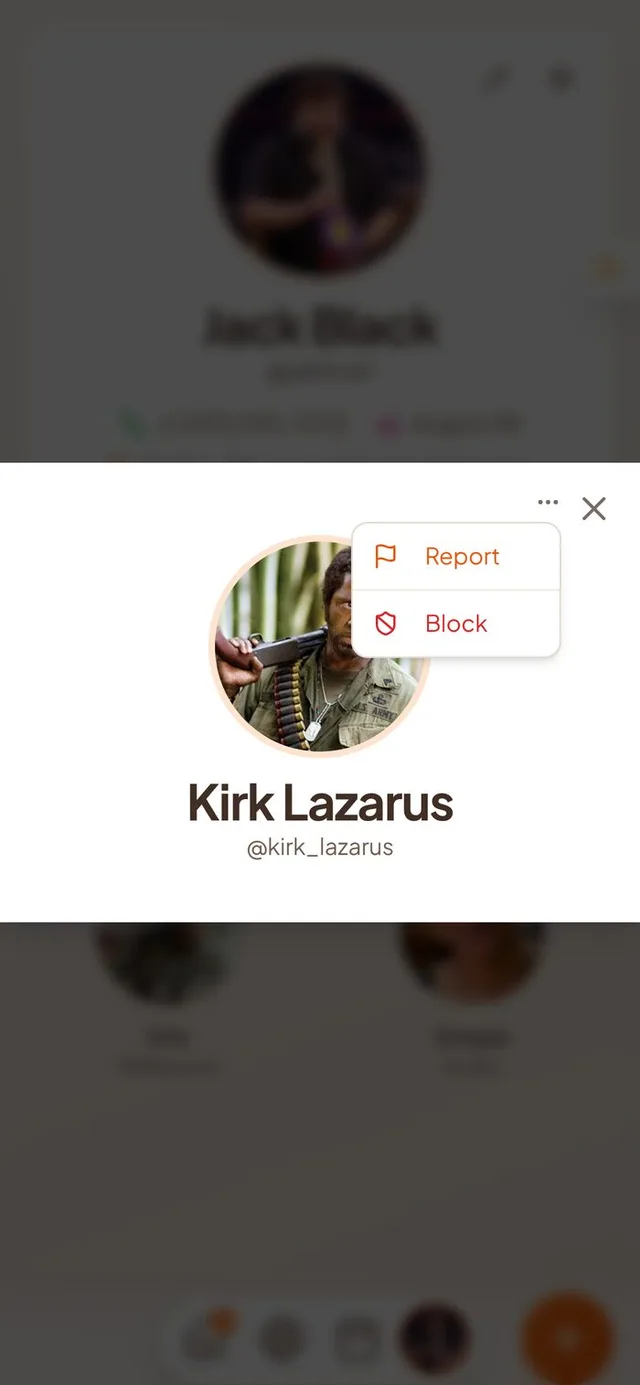
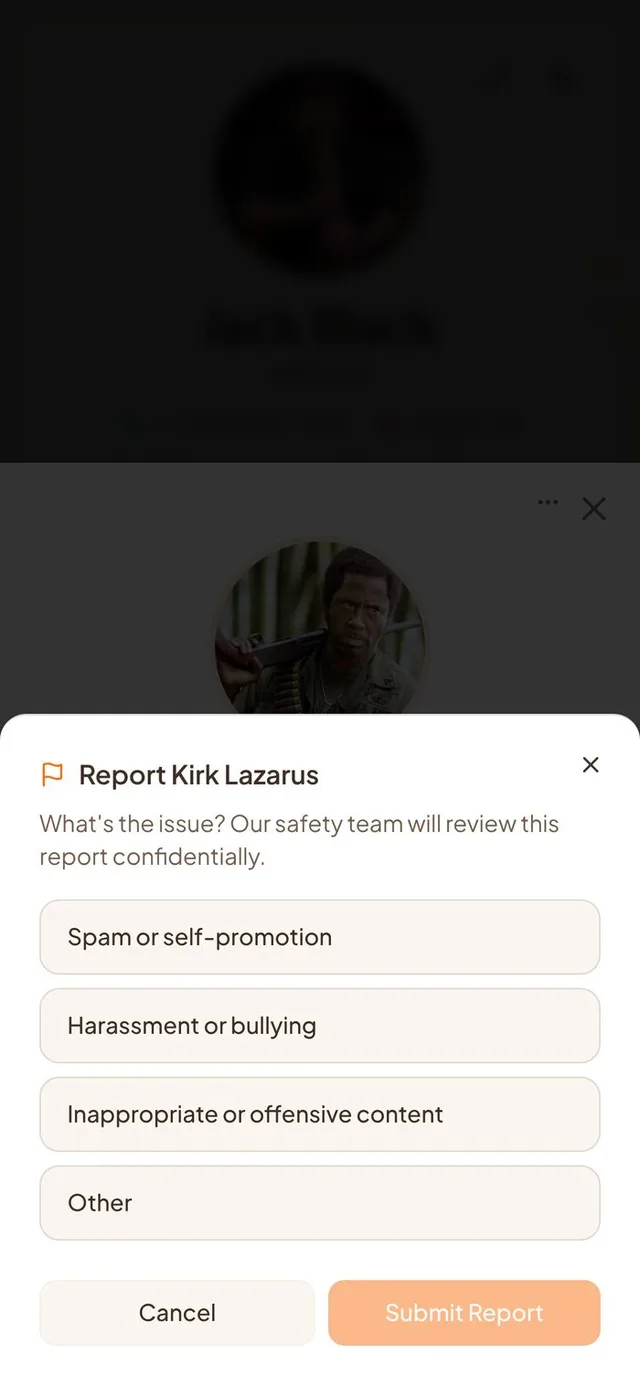
Block and report
You decide who you see on Conmigo, and you can tell us when something is wrong.
- A menu on every profile. Open a friend's profile and tap the three dots to Report or Block them. If you already blocked someone, the same menu says Unblock.
- Report with a reason. Pick spam, harassment, offensive content or other. Our safety team reviews every report in private, and the person is not told.
- Report a comment. Comments from other people now have a menu with a Report option.
- Blocked people disappear. You stop seeing each other's comments, events and names in attendee lists, in both directions. Blocking someone on the Who page now blocks them instead of just removing them as a friend.
- Change your mind in Settings. Account Info has a Blocked people section where you can unblock anyone. If you both blocked each other, unblocking one of you does not bring the friendship back.
Offensive words stopped before saving
You see a short message in the form instead of finding out later.
- Instant message. If an event, a comment or your display name contains offensive language, you see a short message right in the form. Nothing waits on a slow connection.
- Clearer rules. The Terms of Service now spell out what is not allowed, how reports work and what can happen to an account. The minimum age is 13.
A calmer sign-in screen
The first screen now tells you what you are agreeing to.
- Terms up front. The Terms and Privacy line sits under the Continue button on the very first screen, and the phone number screen is cleaner.
- Keyboard stays out of the way. On iPhone, the sign-in card moves up so you can still read it while you type.
- Better on computers. The login card is centered, and our website has a Sign In button. Closing the Terms or Privacy page takes you back where you were.
Fewer duplicates, steadier events
Two annoyances in your calendar are gone.
- No double events. If you connect more than one Google or Outlook calendar, the same event no longer shows up twice.
- Steady event header. On an event page, the top buttons now stay put as you scroll instead of drifting and then snapping.
Smaller improvements
A few more fixes.
- Blocking or reporting someone no longer ends in an error message.
- Log Out now sits right above Delete Account in Settings.
- Holiday pictures load faster when you switch between month and year views.
- Your calendar refreshes a bit quicker.
- Our tagline is now “The Best Shared Yearly Calendar”.